


Track Your User Activity for Future Use
Brosix makes it easy to keep track of your organization’s communication and user activity. Whether it’s to more easily recall previous conversations between colleagues, due to a legal requirement of your national law, to better support your customers, or any other reason, User Activity Log is an efficient way to never lose track of previous communication.
With this feature you can easily keep track of chat history, login and logout information, and which features your users have used and with whom.
Securely Stored User Activity on Brosix Servers
User Activity is stored on Brosix servers for 3 months initially using “Write Once Read Many” technology, after which it’s archived in archive files on the server. This technology makes sure that chat history and other user activity such as login information can’t be changed or otherwise tampered with, guaranteeing its integrity.
Create Custom Reports
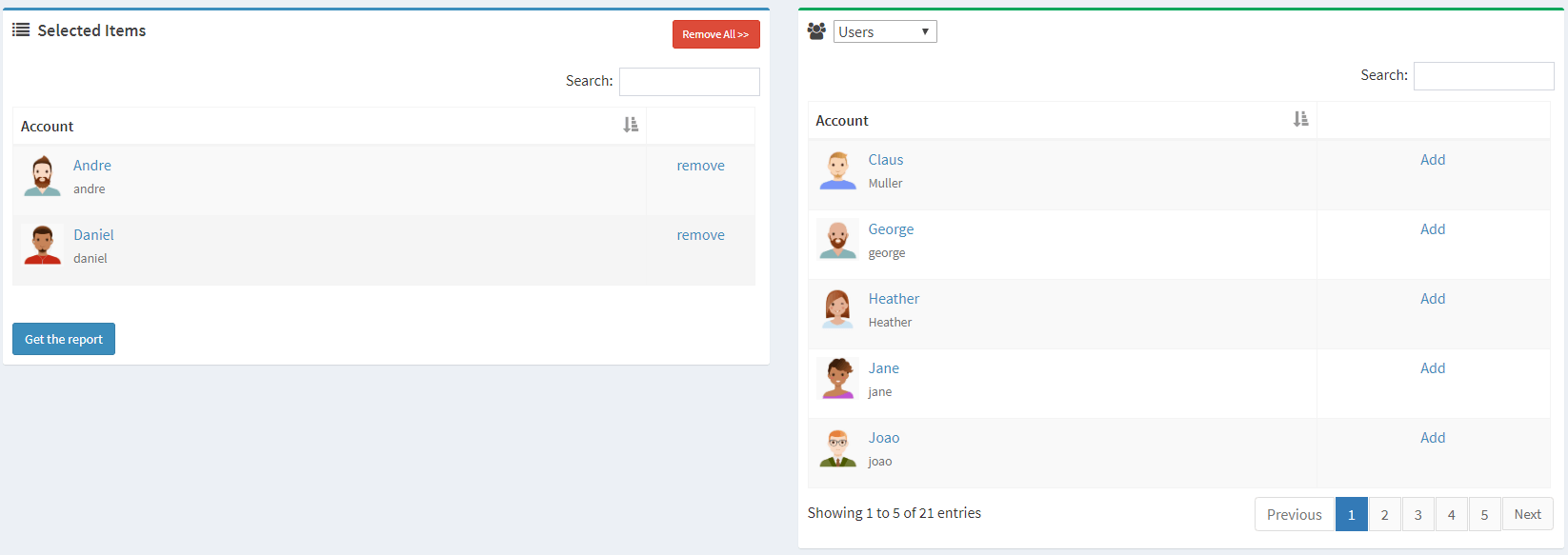
At times you may want to review one or multiple users’ activity history on your network. The User Activity Log feature allows you to create custom reports on user activity. Simply select the users, set the time period you’re interested in, and export the report.
Custom User Activity History Expiration
Different customers have different needs when it comes to storing Chat History on servers. Brosix also allows you to set the expiration period for how long your user activity will be stored. You can access this option through the web control panel.
Delete User Activity When You Want
User Activity older than 3 months is automatically removed and archived at the network level, however you may wish to speed up the process. The User Activity Log feature gives you the option to permanently delete your network’s Chat History whenever you like
User Activity Archive
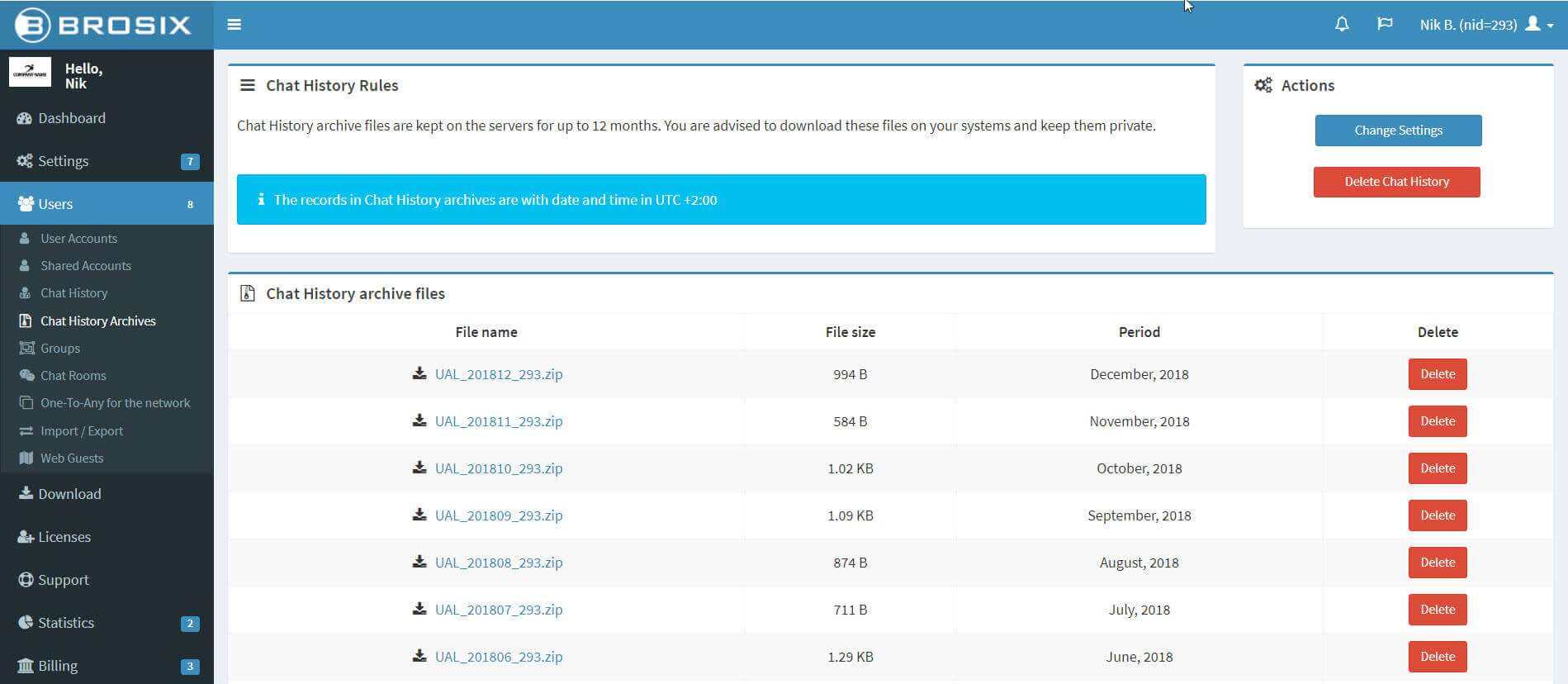
You can activate the user activity archive, a longer-term user activity history storage feature, from the Web Control Panel of your team network. When enabled, all user actions with the Brosix application are recorded on the server for your future review.
With user activity archive, user activity older than 3 months is stored in archive files on your server. The information recorded in your network’s archive includes text chats, file transfers, voice calls, etc. Text chats are fully recorded, whereas the other communication is only noted in an ongoing log.
Easily Comply with Industry Regulations
Some organizations are required by national law to keep a log of every communication channel of their employees on servers. Other organizations fall under industry specific regulations which dictate how communications are recorded. With Brosix’s Users Chat History it’s easy to meet a wide range of storage requirements.
User Activity tracking is subject to the following policies, which ensures security in your communication archiving:
- User Activity is kept on Brosix servers in “Write Once Read Many” technology – meaning no one can tamper with or change the logs
- User Activity is kept on Brosix servers for online reporting for 3 months. Records older than 3 months are deleted.
- The User Activity Archive is kept on Brosix servers for 12 months. Archives older than 12 months are deleted.
- You can delete all log records at any time from the Web Control Panel.
- Only the team network owner has access to the Log.
- Only read-only access to the Log is provided.